One Creator, Two Platforms: How YouTube and TikTok Work Together
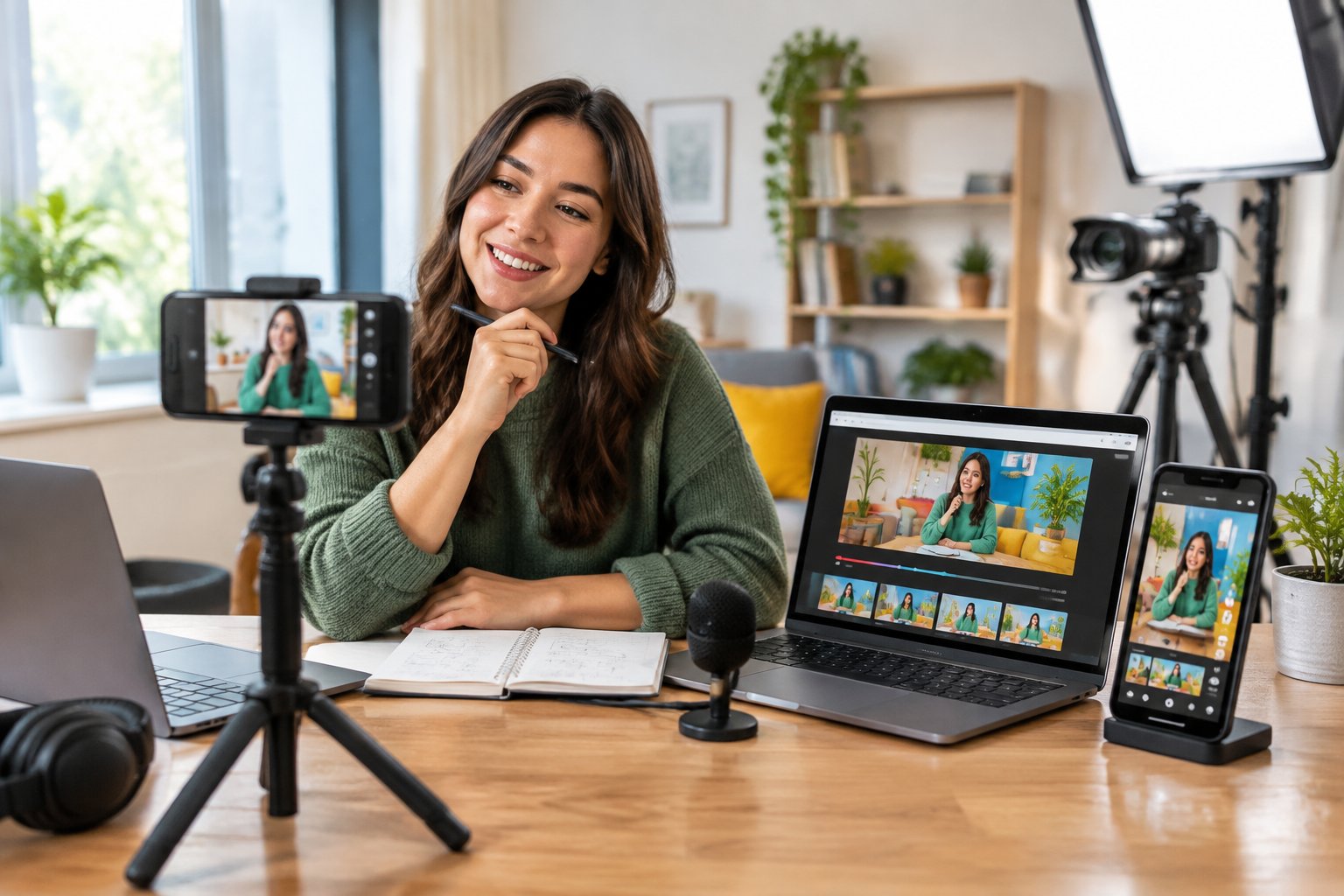
I’ve been creating on YouTube since 2015, and my recommendation is to build around a workload you can repeat. I post on both YouTube and TikTok myself, so this is the same approach I use on my own channels. For beginners, a clear filming plan leaves room to learn without spending every evening editing.
I treat audience growth as two related jobs: reaching people with useful content and giving interested viewers a reason to return. Publishing across both platforms supports the first job; consistent topics and deeper videos support the second.
One Creator, Two Platforms: Why YouTube and TikTok Complement Each Other
I treat YouTube and TikTok as complementary parts of one creator business: TikTok is my recommended discovery engine and testing lab, while YouTube serves as the home base for deeper content and long-term income opportunities.
Use TikTok for Discovery and YouTube as Your Content Home Base
I use short-form content in this plan to introduce one useful idea quickly. A clear demonstration or answer gives someone who has never heard of you a reason to watch.
On YouTube, I recommend building a searchable library around those same problems. Full tutorials provide space for examples and troubleshooting, while playlists help viewers find the next relevant lesson.
The feedback flows both ways. TikTok questions suggest deeper YouTube topics, and individual lessons from YouTube supply material for fresh TikTok clips.
Choose One Audience and a Shared Set of Content Topics
I start with one audience promise that works on both profiles. For example: “Practical smartphone video lessons for beginners” gives you a clearer direction than a broad promise about technology.
For that audience, I would choose recurring topics such as filming, editing, and planning videos. Each topic supports quick demonstrations alongside longer walkthroughs.
If you’re growing on YouTube with no followers, I recommend answering recognizable beginner questions in your first uploads. A video about fixing muffled phone audio gives a new viewer an immediate reason to watch.
Test TikTok Hooks and Turn Promising Topics Into YouTube Videos
I treat TikTok hooks as small experiments in how to introduce a problem. “Your phone microphone might be covered” gives viewers a specific issue to investigate.
Before investing in a full tutorial, publish a useful short answer and examine retention alongside the comments. Repeated questions about microphone placement provide a stronger reason to expand the topic than a handful of likes.
When a topic earns interest, I recommend adding depth on YouTube: show the setup, demonstrate the fix, and explain how to check the result. Keep expectations modest because a successful short clip doesn’t guarantee demand for a longer video.
Turn One Video Into Content for Both Platforms
I recommend planning your long-form video with extractable lessons, then editing those lessons into vertical clips that make sense on their own. This keeps cross-posting tied to the original production.
Find Standalone Moments in Your Long-Form Videos
I look for sections that contain a complete problem and payoff. A useful clip might demonstrate one setting or explain why a common mistake happens.
For a YouTube tutorial about filming with a phone, my clip plan would be:
- Show how to lock exposure before recording.
- Demonstrate a simple way to improve audio.
- Explain where to position the phone for an eye-level shot.
Each clip needs its own opening. I would remove references such as “as I mentioned earlier” and add any context a first-time viewer needs.
Create a Clean Vertical Video Without a TikTok Watermark
I recommend exporting a clean master from your editor before uploading anywhere. Use that original file for both destinations so you preserve quality and avoid carrying a TikTok watermark into YouTube Shorts.
For vertical video, I recommend a 9:16 frame at 1080 × 1920 pixels. Reposition the crop around the important action, especially when the source video includes a wide screen recording.
Keep captions clear of interface controls and preview the file on your phone. A technically correct crop still needs adjustment if it cuts off the button you’re demonstrating.
Adapt Hooks, Titles, Captions, and Music for Each Platform
I keep the core lesson while adjusting its presentation. On TikTok, an opening such as “Fix this before your next phone recording” introduces the problem immediately; a YouTube Shorts title such as “How to Stop Phone Video Brightness From Changing” names the task clearly.
Review automatic captions for errors, especially tool names. Match the call to action to the destination where someone is watching.
I also check music rights separately. Permission to use a track inside one platform doesn’t automatically cover an exported copy on another, so I favor original voice audio or music licensed for the intended uses.
Build a Weekly Posting Routine You Can Sustain
My starter routine is one YouTube video plus three adapted clips each week, with a short review before planning the next batch. I would reduce that workload whenever it interferes with finishing useful videos.
Start With One YouTube Video and Three Short Clips a Week
I recommend reserving separate blocks for planning, recording, and editing. Keeping similar tasks together reduces the repeated setup involved in filming a little every day.
|
Day |
My Suggested Task |
|---|---|
|
Monday |
Choose one viewer problem and outline the full video |
|
Tuesday |
Record the tutorial and any extra clip openings |
|
Wednesday |
Edit and publish the YouTube video |
|
Thursday |
Finish the three vertical clips |
|
Friday through Sunday |
Publish the clips to TikTok and YouTube Shorts |
That produces one long-form upload and six short-form placements from three clips. For a tighter schedule, I would start with a full video every other week and one adapted clip per week.
Schedule Separately for Free or Use a Cross-Posting Tool
I recommend beginning with native scheduling: YouTube Studio for YouTube uploads and TikTok Studio where scheduling is available for your account. Check the options inside each account before planning around a particular feature.
If managing separate queues becomes cumbersome, evaluate Socialync or Later for multi-platform posting. Make is another option to evaluate for a connected automation workflow; its setup depends on the available integrations and permissions.
Before paying for an “upload once, post to both” workflow, I would check:
- Support for your exact account types and video formats.
- Separate titles or captions for each destination.
- Direct publishing versus a reminder to finish posting.
- Current pricing, posting limits, and account permissions.
I recommend testing one scheduled clip before loading a full week. Inspect the published captions and audio on both platforms.
Check Retention and Subscriber Trends Before Making More Content
I use retention to identify where a video loses attention. An early drop gives you a reason to inspect the opening; a drop during a demonstration suggests checking whether the explanation becomes hard to follow.
Review TikTok analytics and YouTube Analytics separately. Compare similar-length clips within each platform because their view counts and viewing contexts differ.
My weekly notes would include the topic, opening line, retention pattern, and followers or subscribers gained. Then I would change one element in the next batch so the result is easier to interpret.
Connect Viewer Interest to Subscribers and Revenue
I separate reaching viewers on both platforms from persuading TikTok viewers to visit YouTube, because moving between apps requires an additional reason. Revenue planning starts with the problems those viewers want help solving.
Give TikTok Viewers a Specific Reason to Watch the Full Video
I recommend making the TikTok clip useful by itself, then offering a clear next step. Someone who learns how to lock exposure still has a reason to watch a complete filming walkthrough.
For example, you could say: “The full phone-filming tutorial on YouTube shows the lighting setup and audio comparison.” That explains what the longer video adds.
Publish the destination video before promoting it. When reviewing TikTok traffic to YouTube, I would treat traffic sources and timing as clues; they don’t identify every viewer’s route between apps.
Make Your YouTube Channel Easy to Find From Your Profile
I recommend matching your handle and profile image across platforms. Keep the audience promise consistent so a visitor recognizes the channel they intended to find.
Check your TikTok profile editor for the social-link and website-link options available to your account. Where supported, use a direct YouTube destination; if you use Linktree, label the button with the specific tutorial or playlist.
On YouTube, feature a relevant starting video and organize related uploads together. I want a new visitor to find something useful before asking them to become one of your YouTube subscribers.
Understand YouTube Partner Program and TikTok Creator Rewards Options
I treat platform payouts as one possible income stream, with eligibility and content requirements to check before planning around them.
The YouTube Partner Program provides access to monetization features for eligible channels. I recommend checking the Earn area in YouTube Studio for your channel’s current requirements, available features, and application status.
TikTok Creator Rewards has its own availability, account, and original-video requirements, including qualifying video lengths. Check TikTok Studio for current access and rules; short promotional clips and qualifying rewards content serve different production goals.
For both programs, I would review originality and copyright requirements before scaling a repurposing workflow. Approval and earnings depend on the platform’s rules and your channel’s performance.
Build Toward Brand Deals, Affiliate Links, and a First Offer
I recommend building brand pitches around audience fit and relevant examples from both platforms. Show how a short demonstration introduces a product and how a longer tutorial explains its use.
Keep platform results separate in your pitch. Adding YouTube and TikTok views doesn’t establish a count of unique people because some viewers use both.
For affiliate content, choose products you can explain accurately and disclose the relationship clearly. With a first offer, I favor a small test: describe one person’s problem, propose a useful result, and ask prospective buyers about their needs before building the full product.
Start With One Idea and Improve Across Both Platforms
I recommend beginning with one audience problem and completing a full production cycle before increasing your output. Record the useful explanation, adapt the strongest moments, and review what viewers watched.
YouTube and TikTok give you different opportunities to learn from the same topic. Keep your audience promise consistent while adjusting the opening and presentation for each destination.
For your next week, choose one question you already know how to answer. Outline the full tutorial and mark three moments that would make useful standalone clips.
Frequently Asked Questions
I use these practical checks to keep publishing decisions manageable.
Can I post the same video on YouTube Shorts and TikTok?
Yes, I recommend cross-posting your own original video when you hold the necessary rights. Use a clean export and check music permissions for each platform.
Is there a way to post on TikTok and YouTube at the same time?
Yes, I would evaluate a scheduler that supports both destinations and your account types. Check current publishing capabilities and test one upload before scheduling a batch.
Can I grow on both platforms for free?
Yes, I recommend starting with free publishing tools and a phone you already own. Budget your time for editing and reviewing performance.
Should I start with TikTok or YouTube if I have limited time?
I recommend YouTube first for searchable teaching content, then adapting one useful moment for TikTok. If you already have an active TikTok audience, use its recurring questions to choose your first deeper YouTube topic.
Do I need TikTok ads to grow my YouTube channel?
No, I recommend beginning with organic content and a specific reason to watch the full YouTube video. Paid traffic introduces another cost and requires its own measurement.
To help you begin, I invite you to grab my Hook and Script Starter Pack ($9: 100 scroll-stopping hooks and 30 fill-in-the-blank scripts) at eddievpro.com/product/hook-and-script-starter-pack/ and subscribe to Eddie V Pro on YouTube (youtube.com/@Eddievpro) for free training on growing and monetizing on YouTube and TikTok.